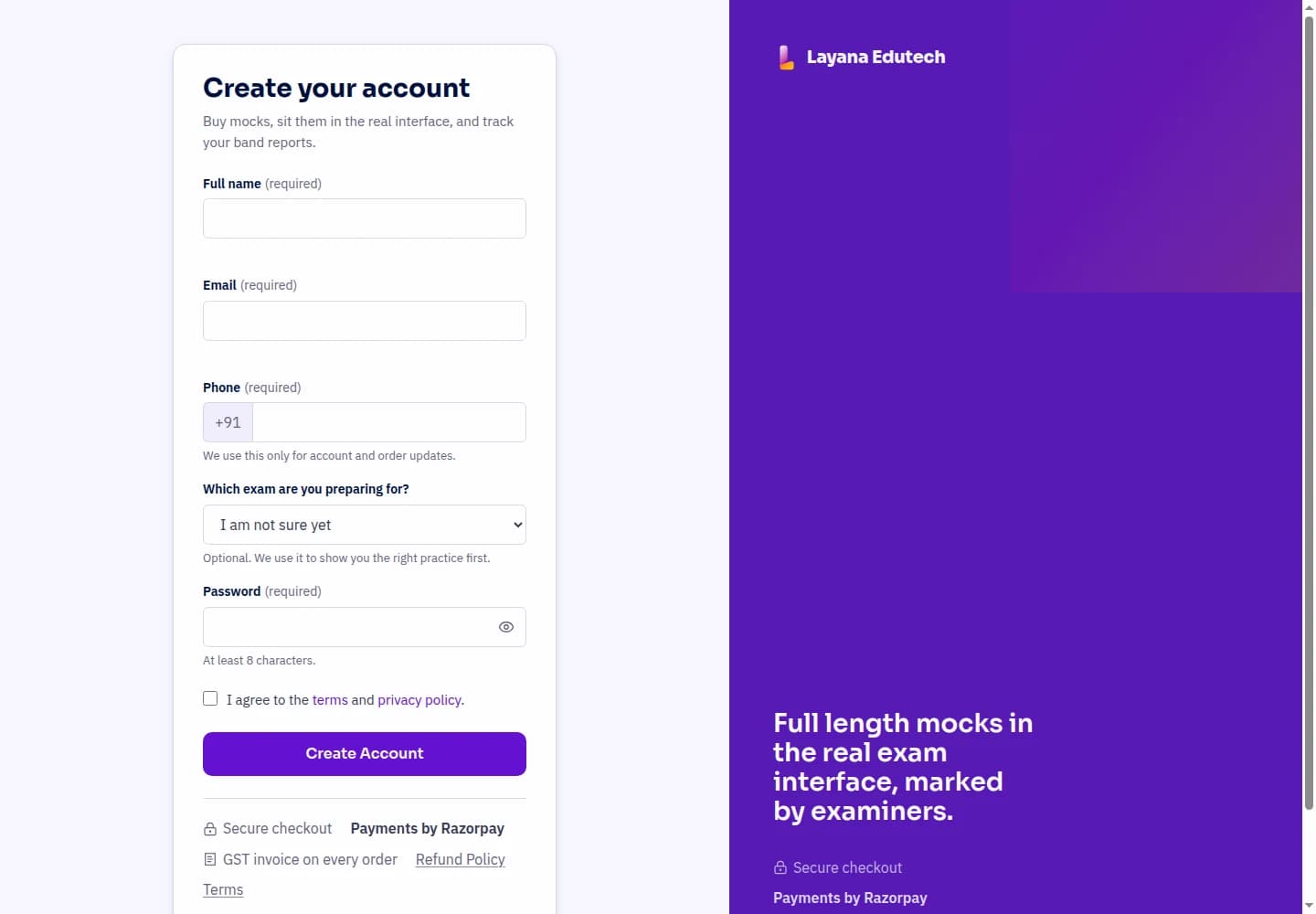
Create Your Account
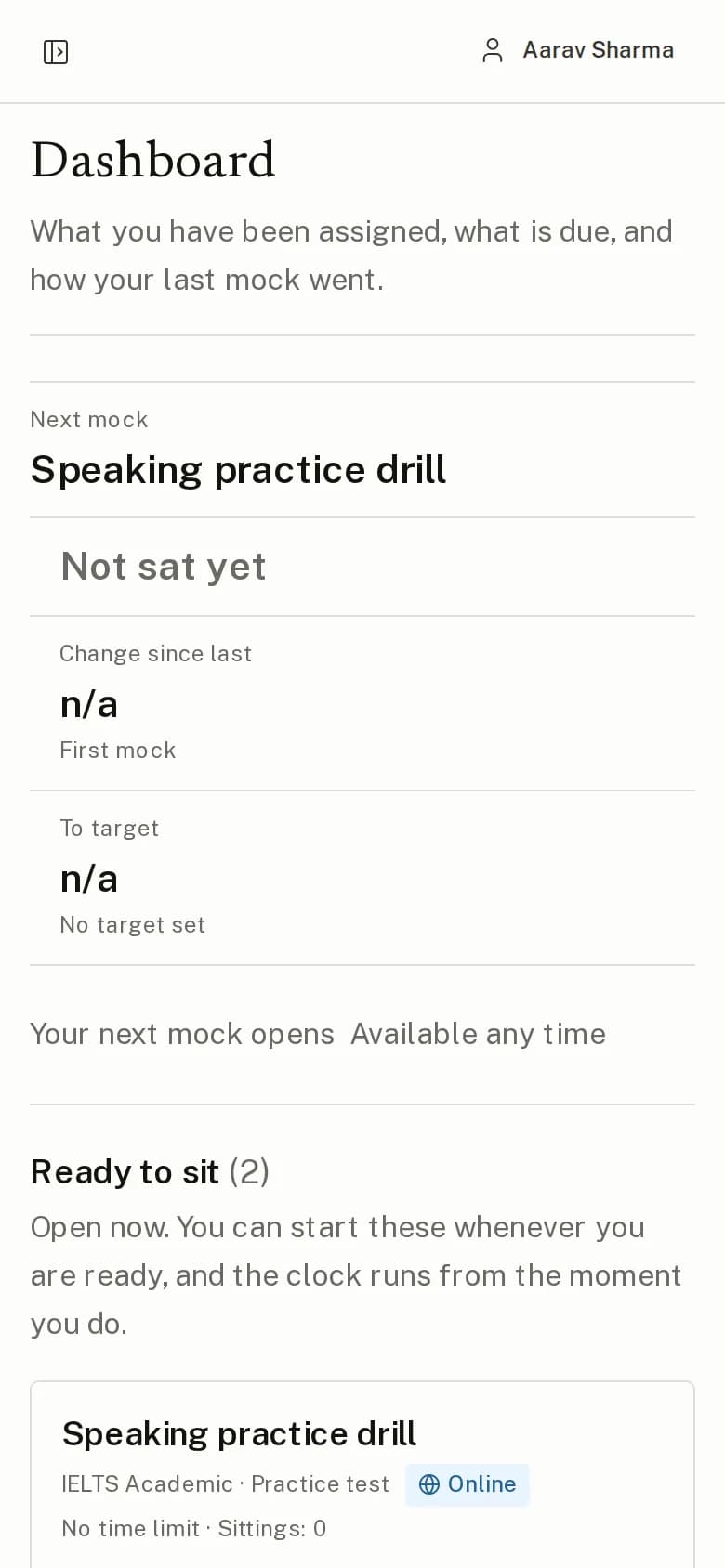
Create your Layana account, then log in to keep your mocks and results together in your student portal.
Server timed, examiner marked, reported within 24 hours.
Create your Layana account, then log in to keep your mocks and results together in your student portal.
Choose your exam and find a mock or bundle that fits your preparation goals.
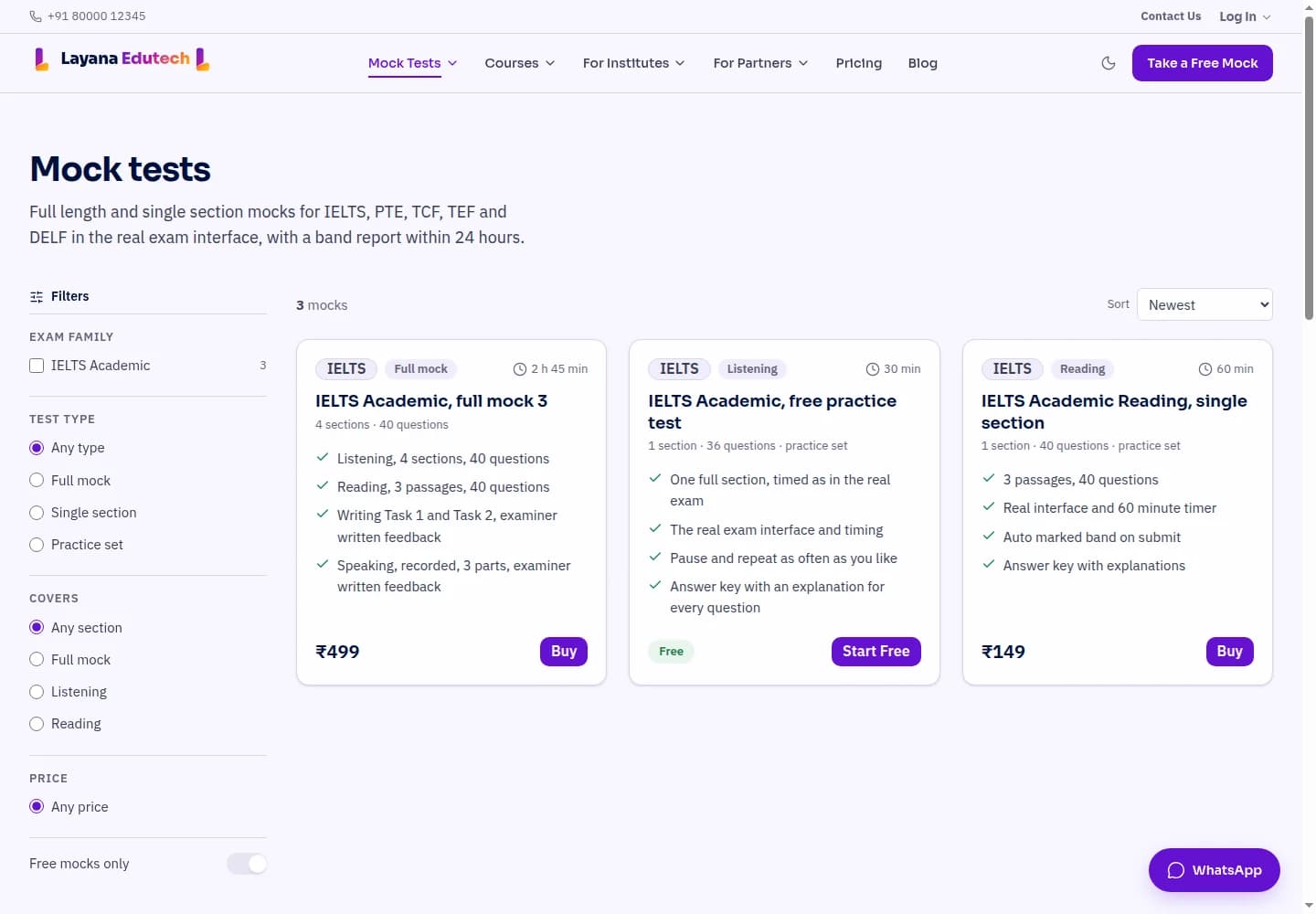
For paid mocks, complete checkout using an available payment method such as UPI or card. Your purchase appears in your portal after payment is confirmed. Free mocks skip this step.
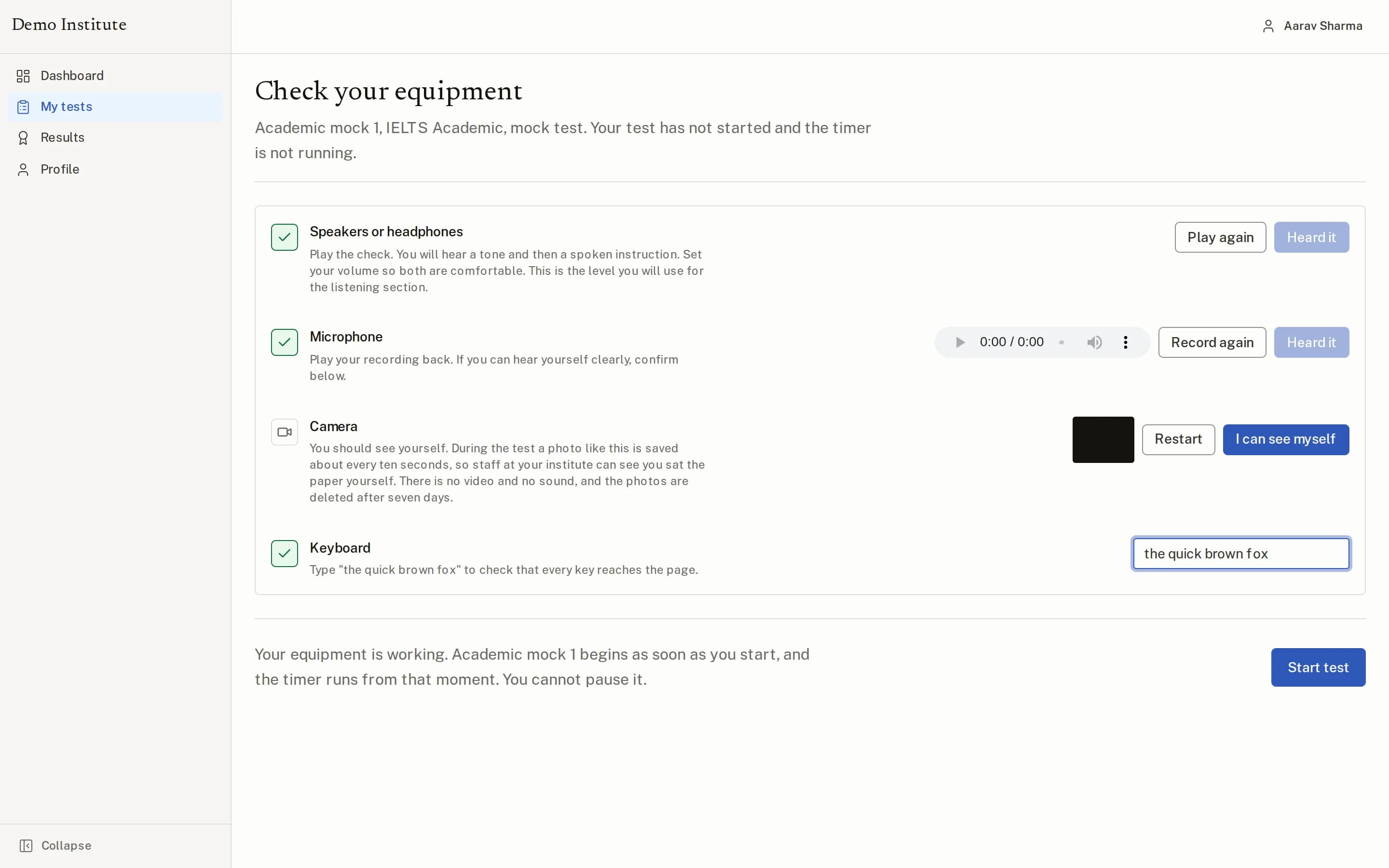
Check your microphone, camera and headphones before starting, so you are ready when the test clock begins.
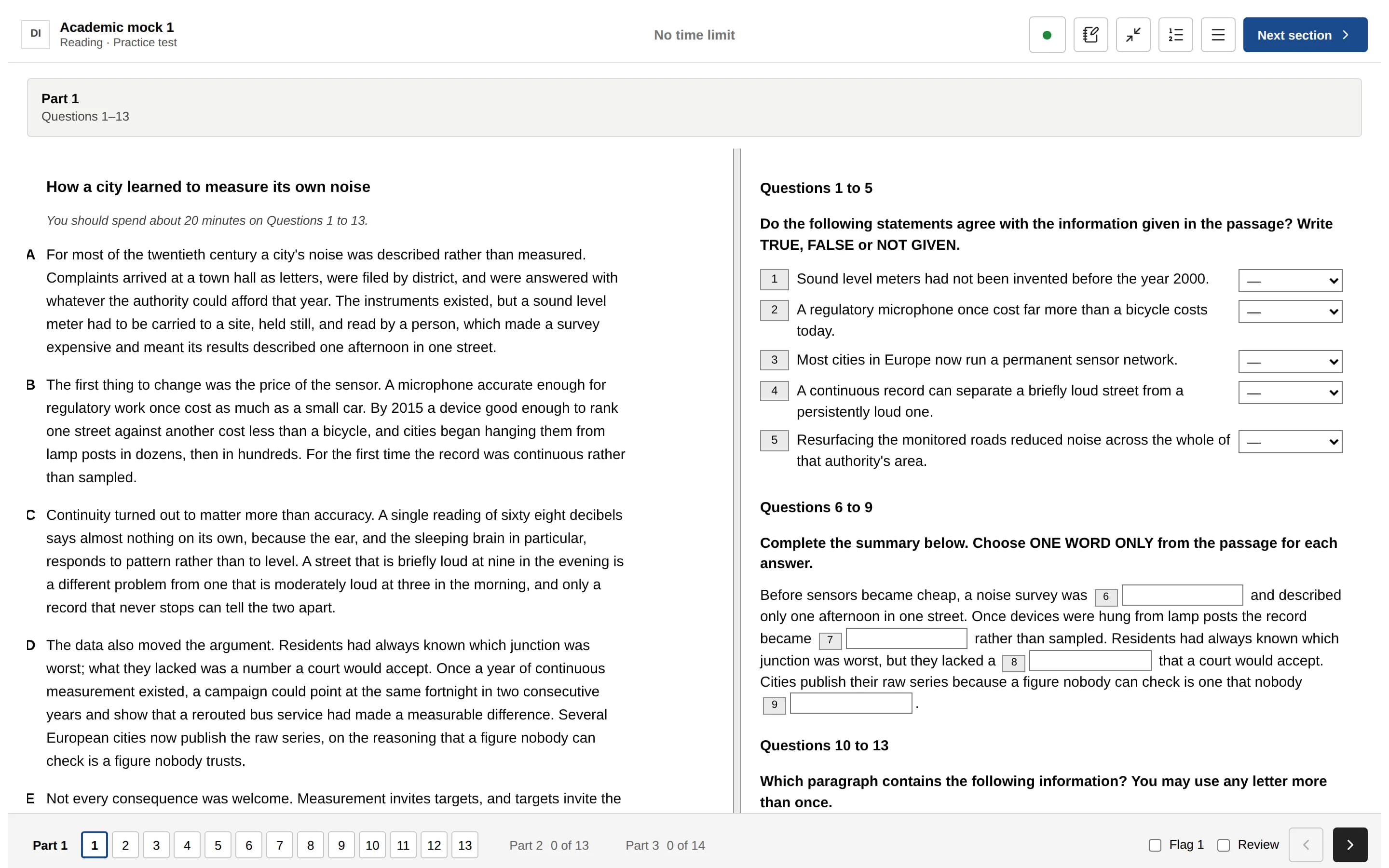
Practise with the exam format, timing and on-screen tools. Work through the sections and submit your answers.
Open your published report to review your overall score, section scores and feedback, and decide what to practise next.
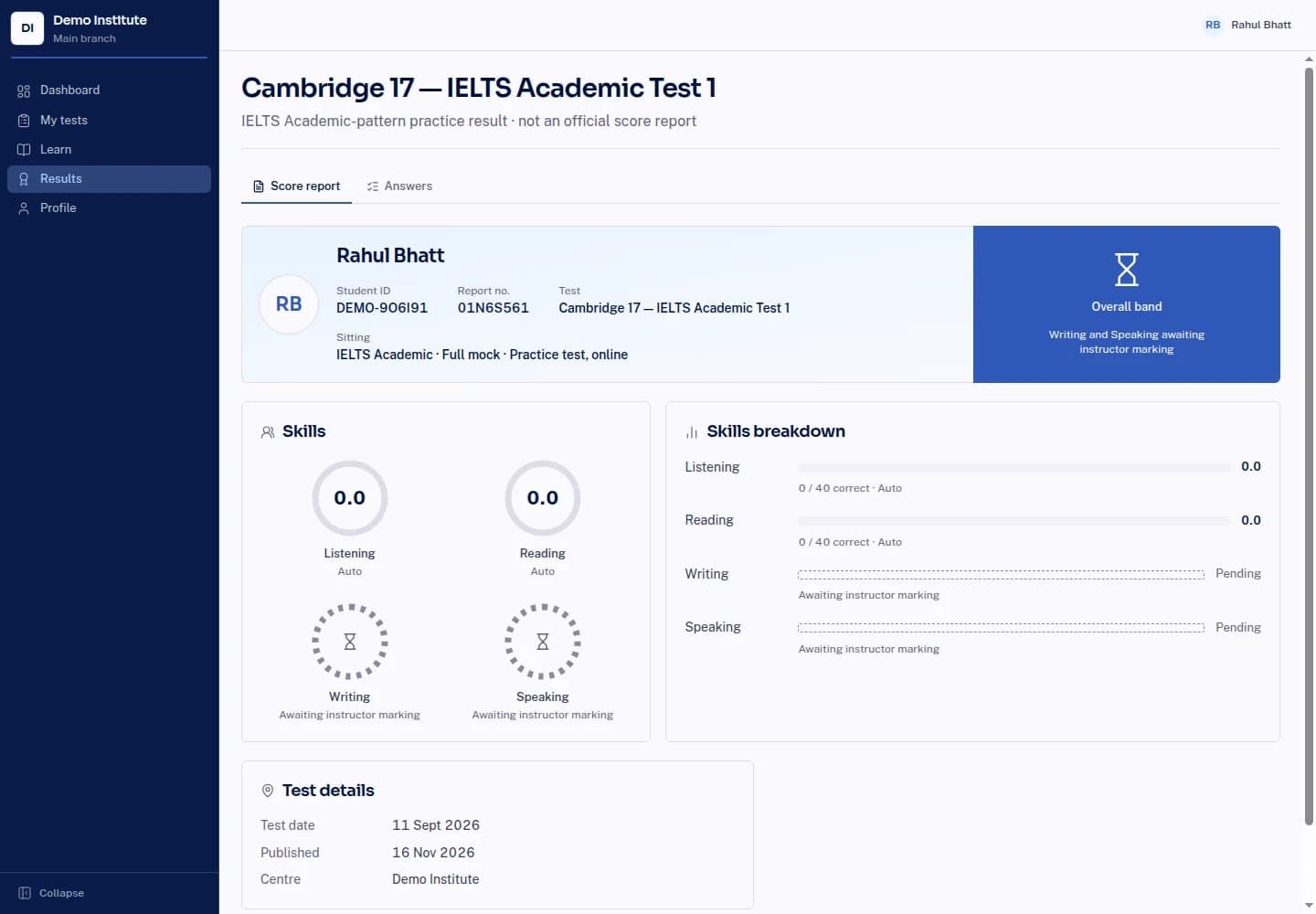
Listening, Reading and the PTE objective tasks are keyed answers. They are marked the moment you submit and converted on the published band tables.
Writing and Speaking are marked by an examiner against the public criteria, with written notes on what set the band, within 24 hours.
| IELTS | 0 to 9, in 0.5 steps |
|---|---|
| PTE Academic | 10 to 90 |
| TCF Canada | Out of 699, with NCLC |
| DELF | Out of 100, pass at 50 |
IELTS report
| Listening33 / 40 correct | 7.5 |
|---|---|
| Reading31 / 40 correct | 7.0 |
| WritingTask 1 6.5, Task 2 6.5 | 6.5 |
| Speaking | 7.0 |
| Overall bandGood user | 7.0 |
A confident performance with strong Listening and clear paragraphing. To move Writing to a 7, tighten Task 2 conclusions and vary complex sentence structures.
See the sample for your exam
Microphone, camera and headphones are tested before every mock. Your deadline is set on our server when you press Start. The clock on screen is a display. Closing the tab does not stop it, and submissions after the deadline are refused.
| Browser | Chrome, Edge or Firefox, current version |
|---|---|
| Screen | 1280 px or wider |
| Microphone and camera | Required for Speaking and full mocks |
| Connection | 2 Mbps |
You can buy, read results and open reports on your phone. Sit the mock itself on a laptop or desktop, exactly as the real computer delivered test is.